
[OPC UA] Connecting to a PLC with C# UA-.NETStandard
What Is OPC UA?
OPC UA (Open Platform Communications Unified Architecture) is "an open, secure, vendor-independent international standard communication protocol (IEC 62541)" widely used in industrial automation (factory automation).
In short, it is "a common language for safely and smoothly exchanging data between PLCs, sensors and robots from different manufacturers and higher-level IT systems (MES/ERP)".
UA-.NETStandard
Let's connect using the OPC FOUNDATION samples
OPC FOUNDATION website
Download
Download here
GitHub OPCFoundation/UA-.NETStandard-Samples
Running the sample
- Extract the downloaded file and open UA Sample Applications.sln in Visual Studio
- In Solution Explorer, set UA Sample Client as the startup project and run it
-
Enter the URL in the address field of the displayed form and press the [Connect] button; a dialog for selecting the security policy appears (e.g. opc.tcp://192.168.0.21:4840)
UA-.NETStandard Server Configuration 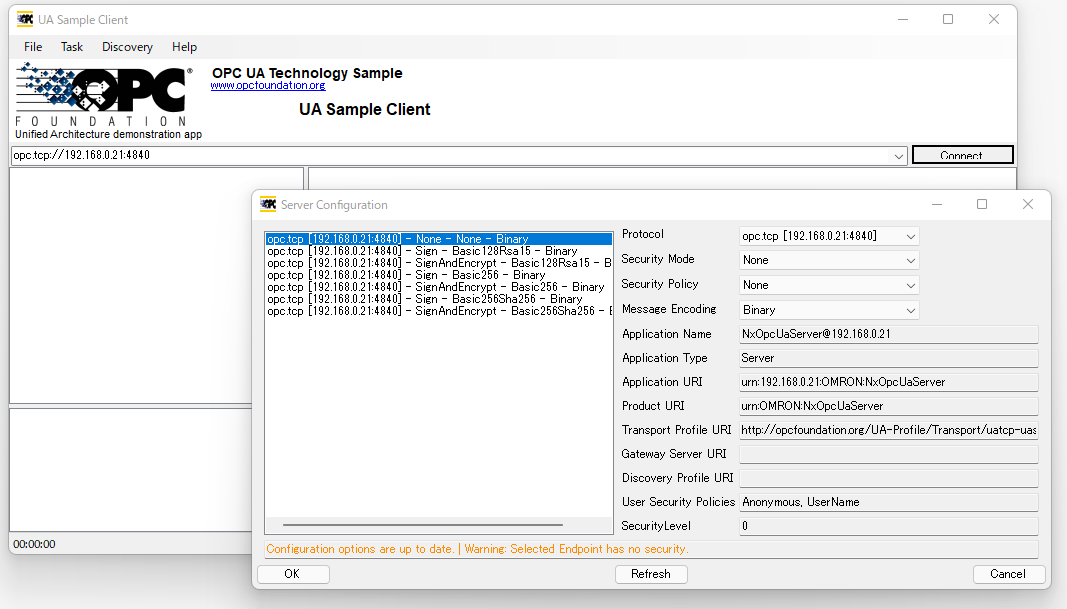
- When the connection succeeds, objects are shown, so open GlobalVars under the PLC name
-
Right-click any variable in GlobalVars and select Read to show the Read dialog
UA-.NETStandard Read dialog 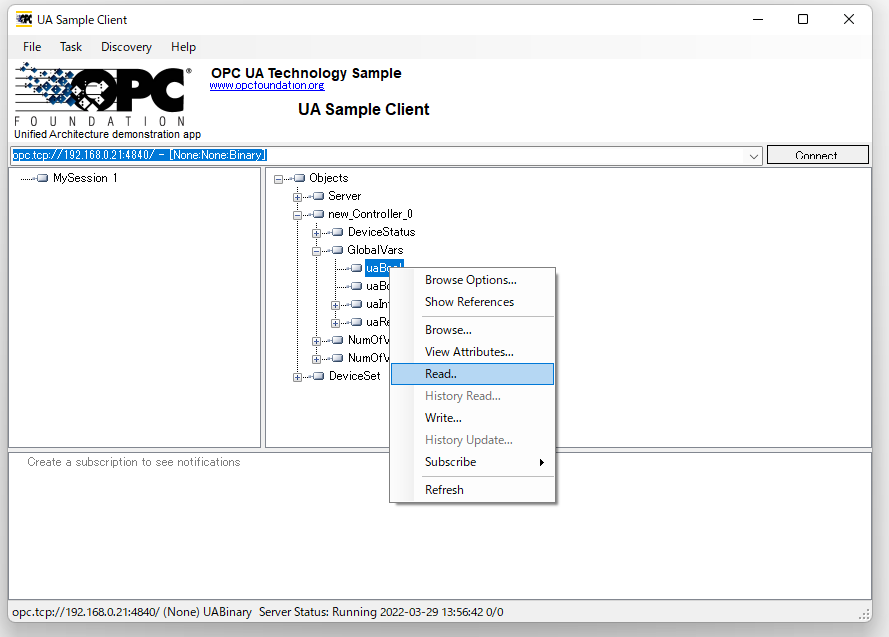
-
In the Read dialog, drag the GlobalVars variables you want to monitor to the right pane and press the [Next>] button
UA-.NETStandard Read 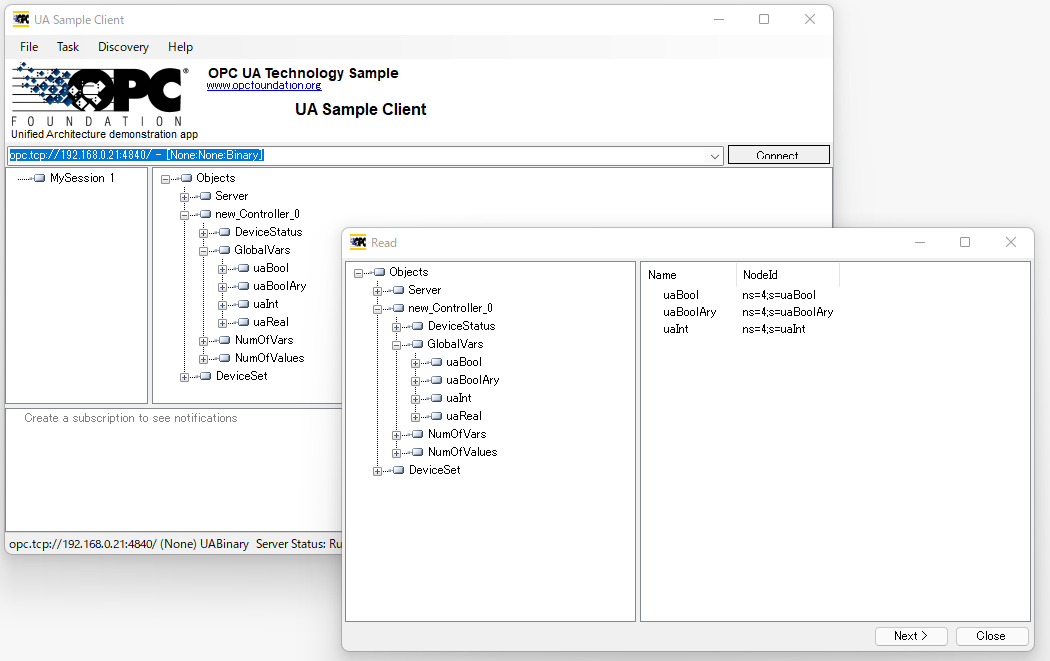
-
The variable values are displayed
UA-.NETStandard Read screen 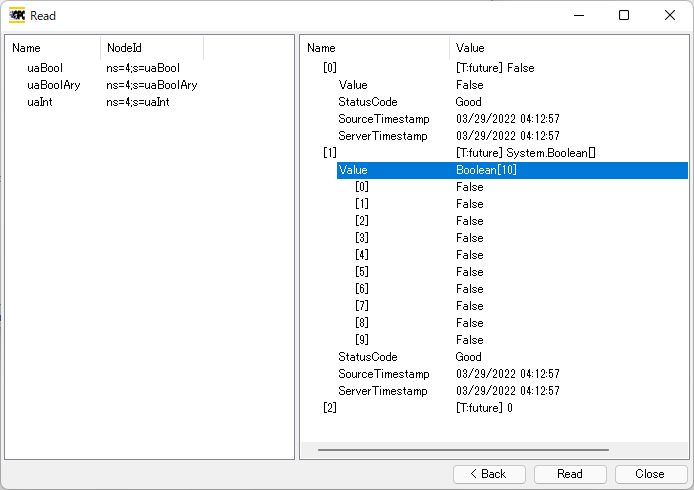
OPC UA .NET SDK
Let's connect using an SDK
This is a paid SDK, but for testing it can be used for 30 minutes continuously
Restarting the application gives another 30 minutes of testing
Download
Add a reference
- Extract the downloaded file
- Create a new Windows Forms app in Visual Studio
-
Open Add Reference in Solution Explorer and add the files in the net471 folder (for .NET Framework 4.6.1) under the extracted folder
(Opc.UaFx.Client.dll alone seems to be enough)Visual Studio Reference Manager 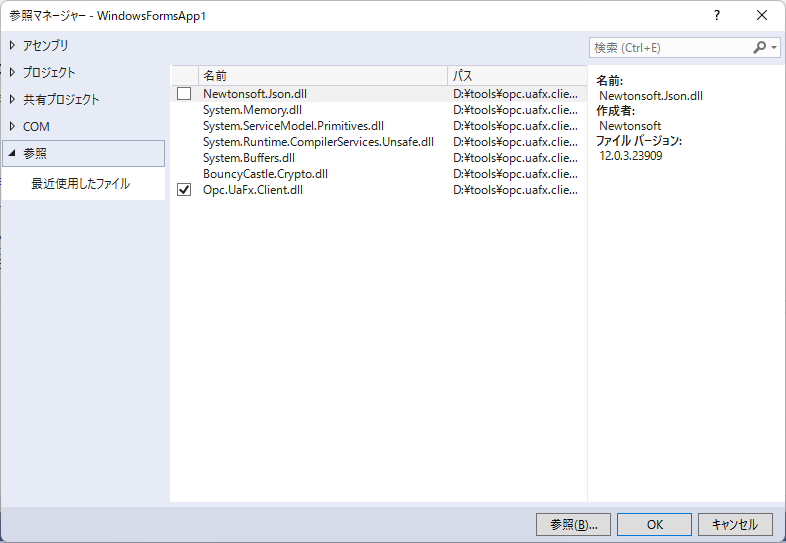
Create and run a form using the SDK
-
Place a button and a text box on the form
OPC UA .NET SDK Form 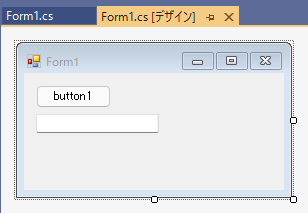
-
The code looks like this
Create an instance with OpcClient("opc.tcp://192.168.0.21:4840")
connect with client.Connect()
and read the variable value with client.ReadNode("ns=4;s=uaInt")
using System; using System.Windows.Forms; using Opc.UaFx.Client; namespace WindowsFormsApp1 { public partial class Form1 : Form { public Form1() { InitializeComponent(); } private void button1_Click(object sender, EventArgs e) { using (var client = new OpcClient("opc.tcp://192.168.0.21:4840")) { client.Connect(); var value = client.ReadNode("ns=4;s=uaInt"); Console.WriteLine("value = " + value); textBox1.Text = value.ToString(); } } } } -
Pressing the button reads the variable value
OPC UA .NET SDK execution screen 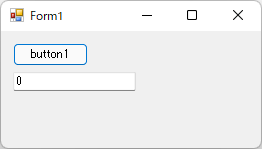
Meaning of ns=4;s=uaInt
- ns=4 → Namespace Index
- s=uaInt → variable name
Frequently Asked Questions (FAQ)
What is the default port number for OPC UA?
Usually 4840.
Where can I find the NodeId?
You can find it in UA Expert or the UA Sample Client.
Which is better, OPC UA or MQTT?
OPC UA is suited to acquiring equipment data, and MQTT to cloud integration.
<